
Have you ever landed in a new country and been excited to explore, but then you find that your mobile data isn’t working? It’s frustrating when an eSIM, which is meant to provide seamless connectivity, has a lot of issues; it even disturbs your work or activities.
Whether it’s slow speeds, no connection, or trouble activating the plan, these problems can leave travelers stranded. If you’re using a Hong Kong data eSIM and facing connectivity issues, don’t worry; most problems have simple solutions. This guide will help you understand common issues and how to fix them so you can stay connected wherever you go.
No Data Connection? Start with the Basics
One of the most common problems is a lack of internet access. If your phone isn’t connecting to mobile data, start with the simple solutions first. First, ensure that mobile data is turned on in your phone’s settings. Some devices may still prioritize a physical SIM over an eSIM, so double-check that your eSIM is the preferred network. If that doesn’t work, restart your device. A quick reboot can refresh the connection and often resolves temporary network glitches.
Also, some devices don’t support it, so you must check that first. Another important step is checking for signal strength. If you are in an area with poor coverage, such as a basement or a remote location, try moving to a different spot. If you still have no connection, verify that your data plan is active and haven’t used up your allotted data. Some eSIM providers also require users to manually select the right network in their settings, so check if this option is available on your device.
Slow Internet Speeds? Check Network Settings
Slow data speeds can be incredibly frustrating, especially when navigating maps, booking rides, or uploading photos. One common reason for sluggish speeds is being connected to a slower network. Many options operate on multiple carriers; sometimes, your device might connect to a weaker one. To fix this, go to your phone’s settings and manually select a different network. If your option allows multiple carrier options, switching between them can improve speeds.
Also, ensure that your phone is set to use 4G or 5G instead of an older network like 3G. Another factor affecting speed is background apps. Some applications, like cloud backups or auto-updates, might consume much data without you realizing it. Disable background data usage for unnecessary apps and see if your connection improves.
Is eSIM Not Activated? Try These Fixes
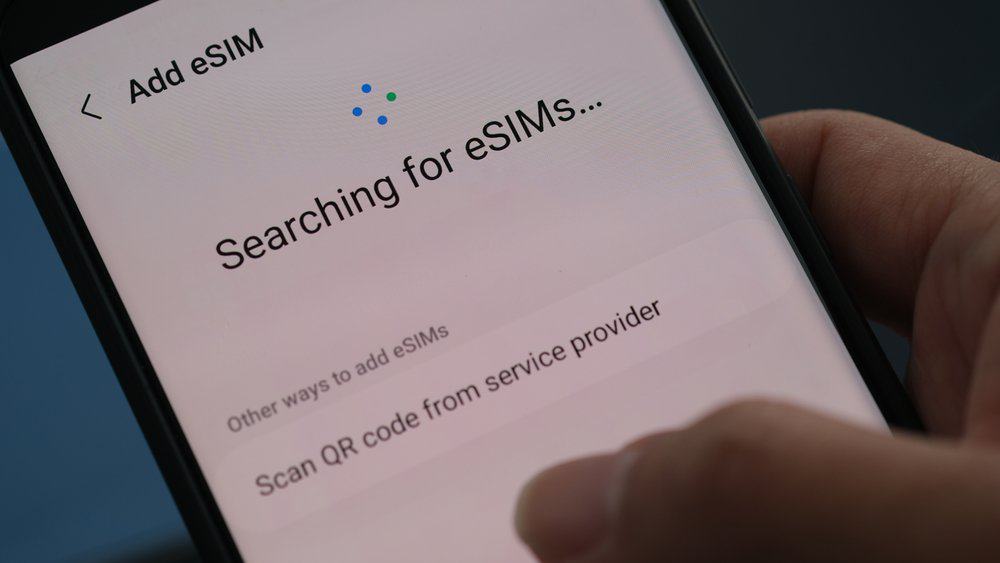
If it isn’t activating, it could be due to incorrect installation or compatibility issues. Start by checking if your device supports the technology. Not all phones are equipped to handle eSIMs, so confirm that your model is compatible. Next, verify that you scanned the QR code correctly during setup. If the activation fails, try deleting the profile and reinstalling it.
Some devices may require a stable Wi-Fi connection for activation, so ensure you’re connected to the internet while setting up your plan. Another common issue is incorrect APN (Access Point Name) settings. If your provider requires a specific APN, go to your phone’s settings and enter the correct details manually. This step is crucial for enabling mobile data on some networks.
Roaming Not Working? Adjust Your Settings
Some travelers find that their chosen option works fine at home but doesn’t function when they arrive at their destination. If your data isn’t working after switching locations, roaming settings might be the issue. Check that data roaming is enabled in your phone’s settings. Some plans require manual activation of roaming services, so look for any instructions provided by your provider.
If roaming is enabled and you still have no connection, try resetting your network settings. This action clears any saved network configurations and allows your device to reconnect from scratch. Also, ensure that it is set as the active SIM, especially if your phone has both a physical SIM and an electronic one. Some devices may automatically prioritize the physical SIM, which can cause issues when using this option while traveling.
Unexpected Data Consumption? Manage Your Usage
If your data is depleting faster than expected, background apps or automatic updates may be the cause. Many smartphones have features that consume data without users realizing it. Start by checking which apps are using the most data. Go to your phone’s settings and review data usage reports. If certain apps are consuming excessive data, restrict their background usage.
Also, disable automatic downloads and updates while using mobile data. Instead, set them to update only when connected to Wi-Fi. Another way to control data consumption is by using data-saving modes. Many smartphones have built-in features that reduce unnecessary data usage. Activating this setting can help extend your data plan, especially if you are traveling and need to conserve it.
Final Thoughts
eSIM technology offers a convenient way to stay connected while traveling, but it can sometimes encounter issues like any technology. If you’re using a Hong Kong data eSIM and facing problems, simple troubleshooting steps like checking your settings, restarting your device, and managing network preferences can usually resolve the issue. Understanding these common problems and their fixes allows you to enjoy smooth and uninterrupted mobile data wherever your travels take you.